Preserve Camera And Witness Evidence
A hit-and-run often turns into a race against time: footage gets overwritten, witnesses forget details, and device owners share files in ways that strip timestamps. Your goal is to preserve the original video files, capture identifying context, and document witness statements while memories still match the scene.
Start with what you can control at the roadside. Write down the exact location, direction of travel, and the time you noticed the collision. If you have a dash cam, keep the event file unedited and note the camera model and app version (for example, a phone companion app marked “v2.3.1” in the settings screen). If you do not have a dash cam, you still can preserve evidence by photographing the scene and collecting contact details from people who saw the impact.
For practical examples, consider two common situations: a vehicle strikes your parked car in a grocery parking lot, then leaves; or a pedestrian is hit at a crosswalk and the driver accelerates away. In both cases, the fastest path to useful evidence usually involves nearby cameras (store entrances, traffic signals, building security) and witnesses who can describe the vehicle’s color, make cues, and direction of travel.
What People Get Wrong
Many people treat video as “proof” without preserving the chain of context. A screenshot of a license plate can look convincing, yet it often lacks the surrounding frames that show the plate angle, vehicle speed, and whether the plate is readable across multiple moments.
Another frequent issue is overwriting. Dash cams and some home security systems use loop recording, so the event may disappear within hours or days depending on storage settings. Phone cameras also behave differently: some apps save clips with a new filename and may remove original metadata when you share through messaging apps.
Witness evidence fails when people rely on casual recollections. A witness might remember “a white SUV” but forget the lane position, the turn signal behavior, or the approximate distance between vehicles. Those details matter because they help investigators match the vehicle to a route and time window.
Supporting technologies create dependencies you can plan around. Dash cams depend on storage capacity and event detection settings; security systems depend on whether footage is stored locally or in a cloud account; and traffic-camera footage depends on the agency’s retention rules and request process. When you ask for footage, you need to match the request to the camera’s time zone and the incident window, not just the time you personally remember.
Actions That Preserve Evidence
Lock Down Your Own Footage
If you have a dash cam, stop playback and copy the event file to a separate device immediately. Use the camera’s export function rather than screen recording; screen recording can compress frames and blur plate characters. Note the file name, the timestamp shown in the camera app, and the storage mode (for example, “loop recording” or “event lock”). If your dash cam uses a mobile app, record the app version shown in the settings page; I have seen “v1.9.x” builds that display local time differently than the camera’s internal clock.
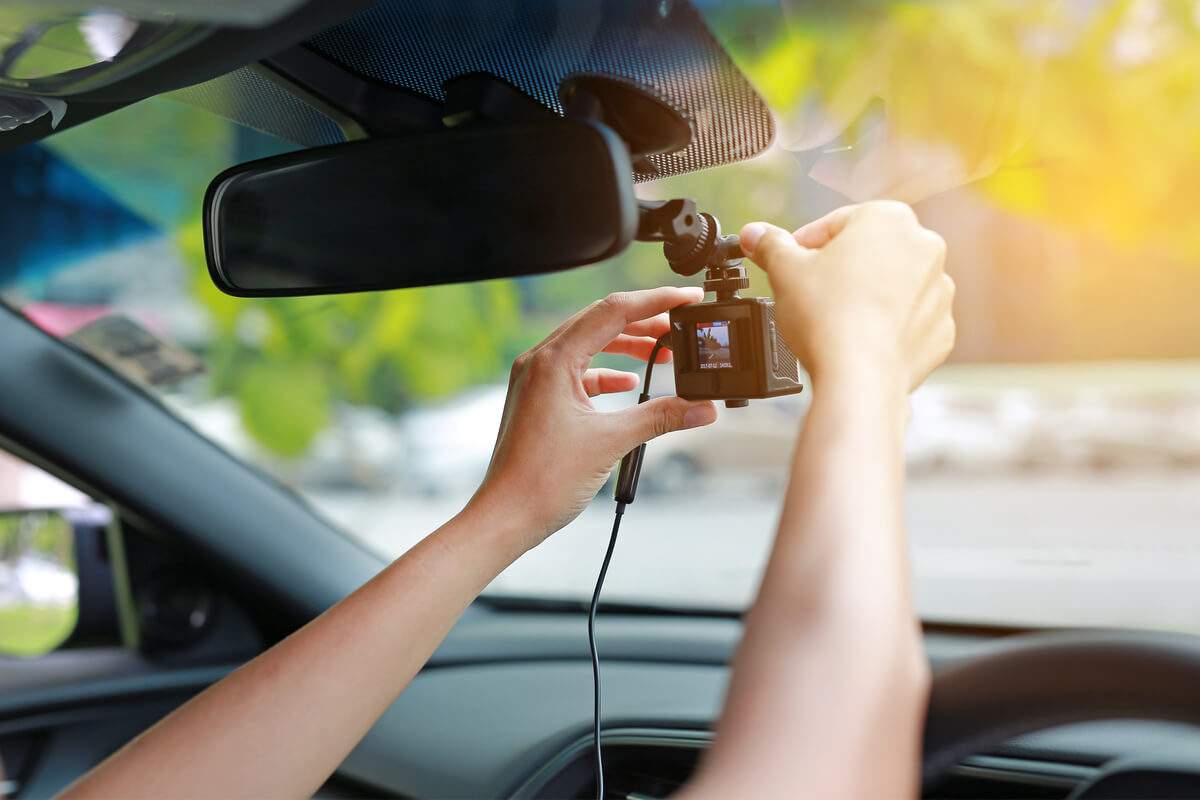
Photograph the camera setup too: windshield mount position, power cable route, and whether the lens is obstructed. Those details help explain why a plate might be partially visible. If you do not have a dash cam, take wide shots of the entire scene and close shots of damage, paint transfer, and any debris trail. Use the phone’s built-in location tagging if it is enabled, but do not assume it will survive every sharing method.
Capture Metadata Without Editing
Preserve the original file whenever possible. Editing tools and social media sharing often re-encode video, which can change frame timing and remove metadata. If you must share, export in the highest quality format offered by the device or app.
Write down the incident time window in a way investigators can use. For example: “I observed the collision at 18:42, and the vehicle left within about 30 seconds; I called police at 18:45.” That kind of estimate helps match footage even when clocks drift. If you know your phone clock was off by a few minutes, record that discrepancy; it prevents a request from missing the correct segment.
When you gather photos, keep the originals in your gallery. Avoid “clean up” apps that remove duplicates or compress images. A small aside: some photo apps show “Date Modified” and “Date Taken” separately, and the modified date can shift after sharing.
Request Footage From Others
Contact property owners quickly: parking lot operators, apartment managers, store managers, and nearby businesses. Ask for the footage covering the full window from a few minutes before impact to a few minutes after departure. Provide the exact address, cross street, and your best estimate of time.
Use a written request when possible. Many businesses respond faster when you include a police report number, the incident date, and a description of the camera location (for example, “front entrance camera facing the west parking aisle”). If you do not have a police report number yet, ask whether they can preserve footage while you file. Some systems store footage in cloud accounts that require the owner to download clips; that process can take time, so your request should be specific.
Traffic signal and roadway cameras usually fall under a government agency. The request process varies by jurisdiction, and retention periods can be short. Your best approach is to ask the police department how to submit a formal request and whether they can obtain footage through their channels.
Document Witness Statements Clearly
Collect witness contact information at the scene: name, phone number, email, and a brief note about what they saw. Ask for the direction of travel and whether the vehicle stopped at any point before leaving. If a witness has a phone video, ask them to keep the original file and share it directly rather than forwarding through messaging apps.
Write a short statement in your own words while details are fresh. Include the witness’s exact phrasing when possible, such as “the driver looked left before turning right” or “I saw the rear brake lights flash twice.” Avoid adding interpretations like “they were drunk”; stick to observable facts.
When you later speak to police or an insurer, bring your notes and the preserved media. A consistent timeline across your notes, witness statements, and video timestamps often matters more than a single dramatic detail.
Case Examples For Real Scenarios
Parking Lot Hit-And-Run
A driver reports a collision in a supermarket parking lot at 19:10. The driver has no dash cam, but two nearby businesses have entrance cameras. The driver photographs the damaged bumper and the parking space markings, then records the incident window as 19:07–19:13. The driver contacts the store manager within 20 minutes and asks them to preserve footage from the entrance camera facing the aisle. A witness who saw the vehicle leave provides a phone number and states that the car turned right toward a specific street.
In this scenario, the most useful evidence usually comes from the entrance camera that captures the vehicle’s departure angle. The driver’s notes about the time window help the manager avoid pulling the wrong segment, which can happen when the camera clock differs from the driver’s phone.
Crosswalk Pedestrian Incident
A pedestrian is struck at a crosswalk and the driver leaves. The pedestrian records the location using nearby street signs and notes the time from a smartwatch clock. A witness across the street says they saw the vehicle’s color and that it accelerated without stopping. The pedestrian collects witness contact details and asks the witness to keep their video file unedited. The pedestrian then files a police report and provides the report number to the local property owner who controls a building camera facing the intersection.
Here, the key preservation step is preventing video re-encoding. If the witness forwards the clip through a social app, the resulting file may lose the original timestamp and reduce plate readability, which can slow identification.
Evidence Checklist And Tradeoffs
| Step | What To Do | Why It Helps | Common Failure Mode |
|---|---|---|---|
| 1. Record time window | Write the observed time and an estimated range (e.g., ±3 minutes) | Matches footage retention segments | Request uses only one exact minute |
| 2. Preserve originals | Export dash cam files; keep phone originals | Reduces re-encoding and metadata loss | Sharing through messaging apps |
| 3. Photograph context | Wide scene + close damage + debris | Shows location and impact details | Only close-ups without landmarks |
| 4. Request third-party footage | Ask for the full window and camera direction | Improves match accuracy | No police report number and vague time |
| 5. Capture witness notes | Contact info + observable facts | Supports consistent timeline | Witness relies on memory days later |
Tradeoff to expect: the fastest evidence to preserve is often the least “clean.” A phone clip from a bystander can be short and shaky, yet it may show the vehicle’s departure direction better than a distant security camera. A longer security recording can show the full sequence, yet it may require a formal request and time to download.
Common Mistakes That Hurt Claims
One mistake is overwriting your own footage. People format memory cards after a stressful incident, then discover the event file was never exported. If your dash cam uses a removable card, copy the event file before any formatting or firmware updates.
Another mistake is relying on edited media. Cropping a video to “just the plate” can remove the frames that show the plate’s readability across multiple moments. If you must crop for sharing, keep the original file and share the unedited version with police or your insurer when requested.
People also misstate time zones and clock drift. A camera might record in local time while your phone logs in a different time setting after travel or daylight saving changes. Write down the time displayed on your device at the moment you noticed the incident, then record any known clock mismatch.
Finally, avoid posting details publicly before evidence is secured. Public posts can lead to misinformation, and some platforms compress media. If you share at all, keep it limited and preserve the original file first.
FAQ
How Fast Should I Save Dash Cam Files?
Save the event file immediately after the incident. Loop-recording systems can overwrite older segments quickly, and exporting later can miss the exact frames.
What If I Only Have a Screenshot?
Keep the screenshot, but also try to obtain the original clip from the camera or app. Screenshots often lose frame timing and can reduce plate readability when the plate is angled.
How Do I Ask a Store For Footage?
Send the address, incident date, and a time window, then describe the camera view (entrance, parking aisle, loading dock). If you have a police report number, include it; ask them to preserve footage while you file.
Can I Share Witness Video Through Text?
Direct sharing can work, but messaging apps frequently re-encode video and strip metadata. Ask the witness to share the original file or export it in the highest quality format available.
Do I Need a Police Report Before Requests?
Some property owners request a police report number, while others preserve footage without it. Ask what they require and whether they can hold footage for a short period while you submit the report.
Author's Insight
Evidence preservation for hit-and-run cases depends on timing, file integrity, and context. Video quality often hinges on whether the original file is exported without re-encoding, and witness usefulness often hinges on whether contact details and observable facts are recorded early.
Because retention policies vary by device and jurisdiction, the most reliable approach uses a tight incident window plus a request that covers a few minutes before and after. If clocks differ, documenting the discrepancy helps investigators align footage segments.
When evidence is shared, keep originals and record what you sent, when you sent it, and in what format. That practice reduces disputes later when someone asks for the “real” file rather than a compressed copy.
Key Takeaways
- Preserve original video files and avoid re-encoding through screen recording or messaging apps.
- Write a time window and location landmarks so third-party footage requests hit the correct segment.
- Collect witness contact details and observable facts, not interpretations.
- Request footage from property owners quickly and ask for camera-specific views covering the full departure sequence.